
Apply online and check the processing status yourself.
Typical tasks
- Describe your request and find the right form
- Fill in the application online and upload attachments directly
- Receive a reference number and submission confirmation immediately
- Check processing status without creating an account
- Answer follow-up questions digitally and add supporting documents
- Save details for the next application with consent and withdraw that consent under “My data”
What it looks like in the product
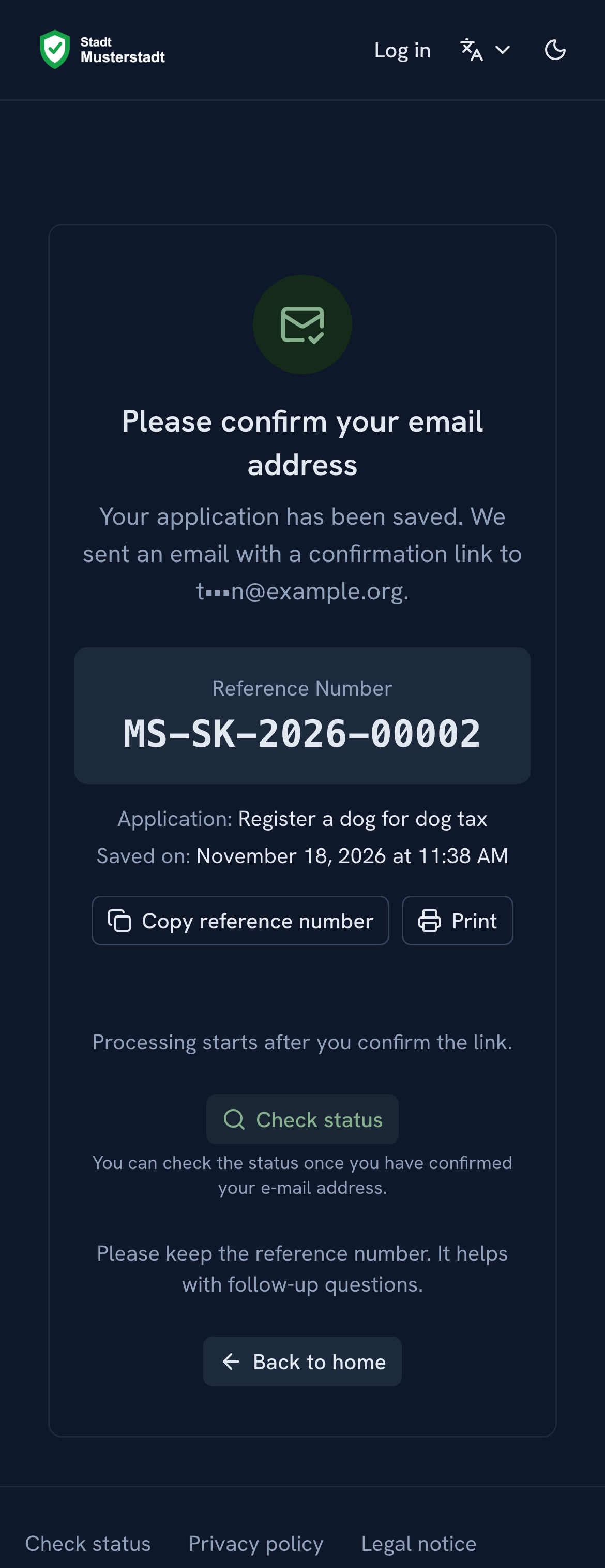
Submission confirmation with reference number
After submitting, applicants receive a confirmation with their reference number and a link to the status page.
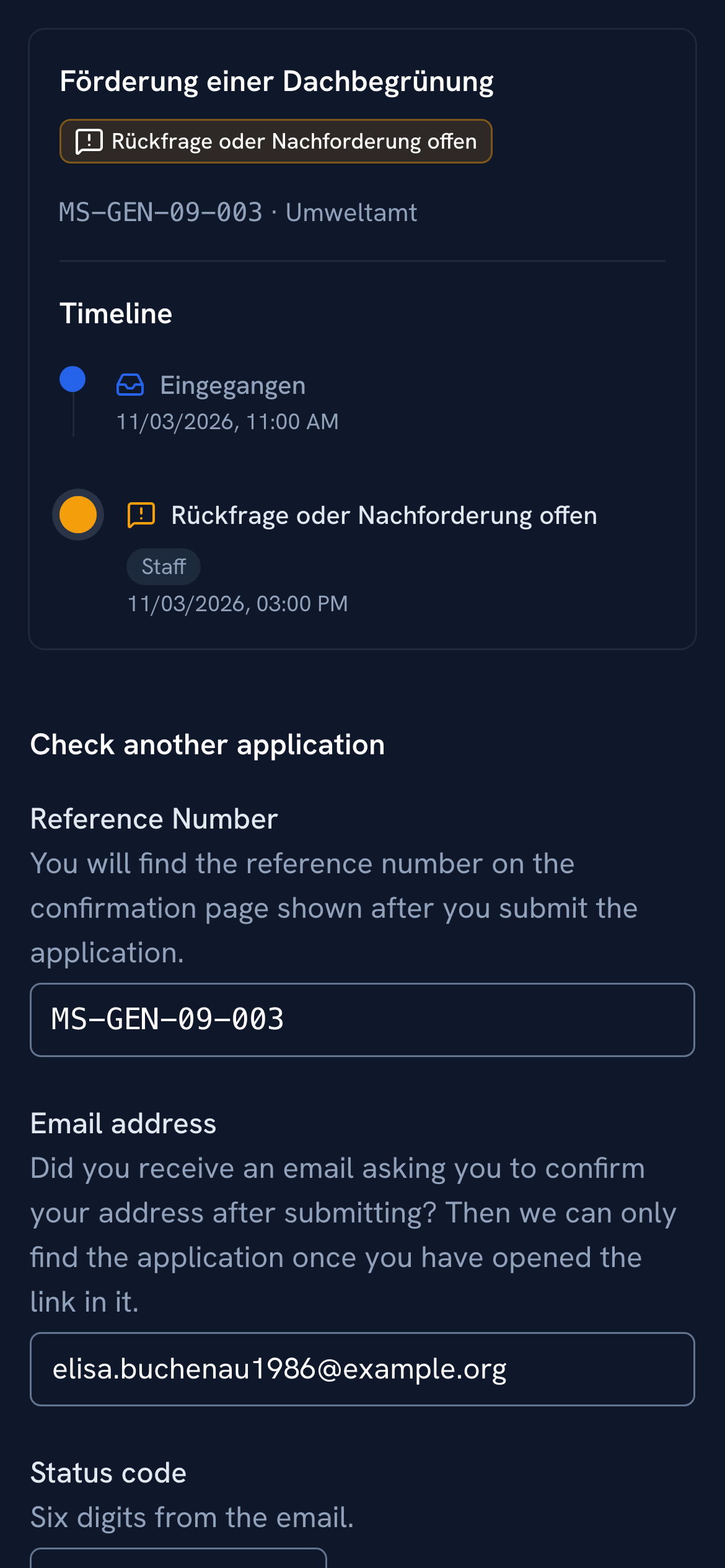
Check status without a user account
Applicants see the processing status via the link in their confirmation or with their reference number, email address and a one-time code. They do not need a user account.
Citizen profile with consent
If your administration offers the citizen profile, applicants decide themselves whether their details are saved for later applications; the checkbox for this starts empty. Under “My data” they revoke consent for contact details and bank details separately. Before deletion, beantragt.ai shows which data will be removed and which submitted applications stay with the responsible office.
See beantragt.ai in action
In the demo we walk through the process with one of your administration's forms, from template to case.
Request a demo for your administration